A CRM should make it easier to understand your customers, manage opportunities and make informed business decisions.
However, CRM systems rarely stay perfectly organised.
As teams grow, new properties are created, workflows are added, integrations change and sales processes evolve. Over time, a CRM that was once simple and efficient can become cluttered and difficult to manage.
That is why carrying out a regular CRM audit is important.
A CRM audit allows you to review how your system is being used, identify problems and make sure your CRM still reflects how your organisation actually operates.
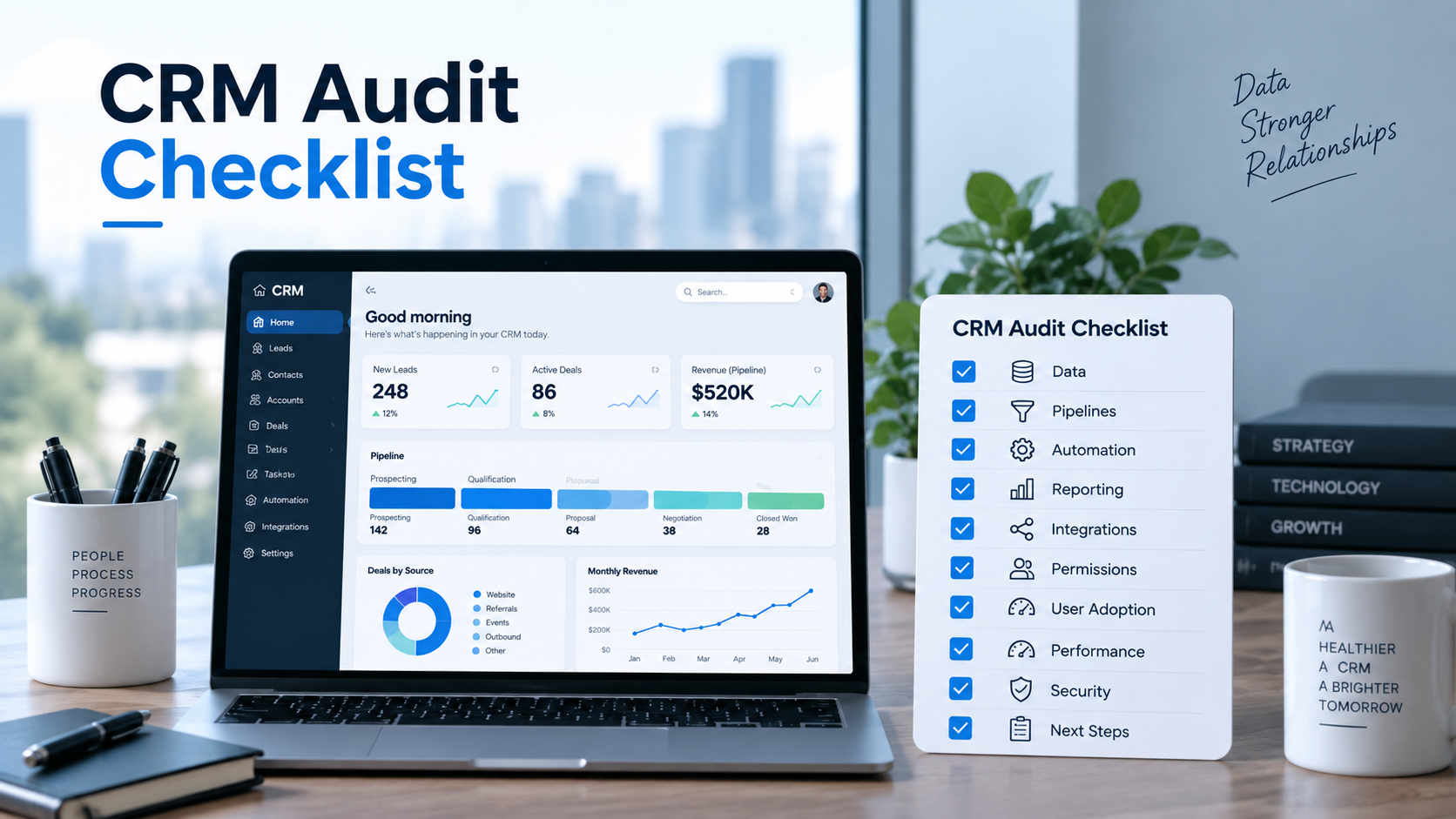
Here are ten areas worth reviewing.
1. Review Your CRM Data Quality
Start with the foundation of your CRM: the data.
Look for duplicate contacts, incomplete records, outdated information and inconsistent formatting.
For example, one company might appear several times under slightly different names, while important properties such as industry, company size or lifecycle stage may be missing.
Poor data quality affects almost everything else inside your CRM, including segmentation, reporting, automation and lead scoring.
Identify which information is genuinely important to your business and ensure those fields are being completed consistently.
2. Review Your Custom Properties
Custom properties are useful, but they can quickly become difficult to manage.
Businesses often create new properties whenever someone requests a new field. Months later, there may be multiple fields collecting almost identical information.
Review your properties and ask:
Is this property still being used?
Does another property already capture the same information?
Is the field type appropriate?
Does this information still support reporting, segmentation or automation?
Removing unnecessary properties can make your CRM considerably easier to manage.
3. Check Your Sales Pipeline
Your CRM pipeline should reflect your real sales process.
Look at each deal stage and determine whether your sales team actually uses it.
Stages should represent meaningful steps in the buying process rather than simply giving sales representatives more options.
You should also review deals that have remained open for long periods without any recent activity.
A pipeline filled with inactive opportunities can create an unrealistic picture of future revenue.
4. Review Your Automation
Automation is often added gradually.
One workflow becomes five. Five workflows become fifty.
Eventually, businesses can have automations running that nobody remembers creating.
Review your active workflows and identify:
- Duplicate automation
- Outdated triggers
- Unnecessary actions
- Conflicting workflows
- Automation errors
- Workflows connected to old campaigns
Every automation should have a clear purpose.
If nobody can explain why a workflow exists, it probably deserves further investigation.
5. Check Lead Ownership
Every qualified lead should have a clear owner.
Unassigned contacts or deals can easily fall through the cracks.
Review how ownership is assigned and determine whether leads are being routed correctly based on territory, service, team, location or other business rules.
Automation can help with lead assignment, but the underlying rules must remain accurate.
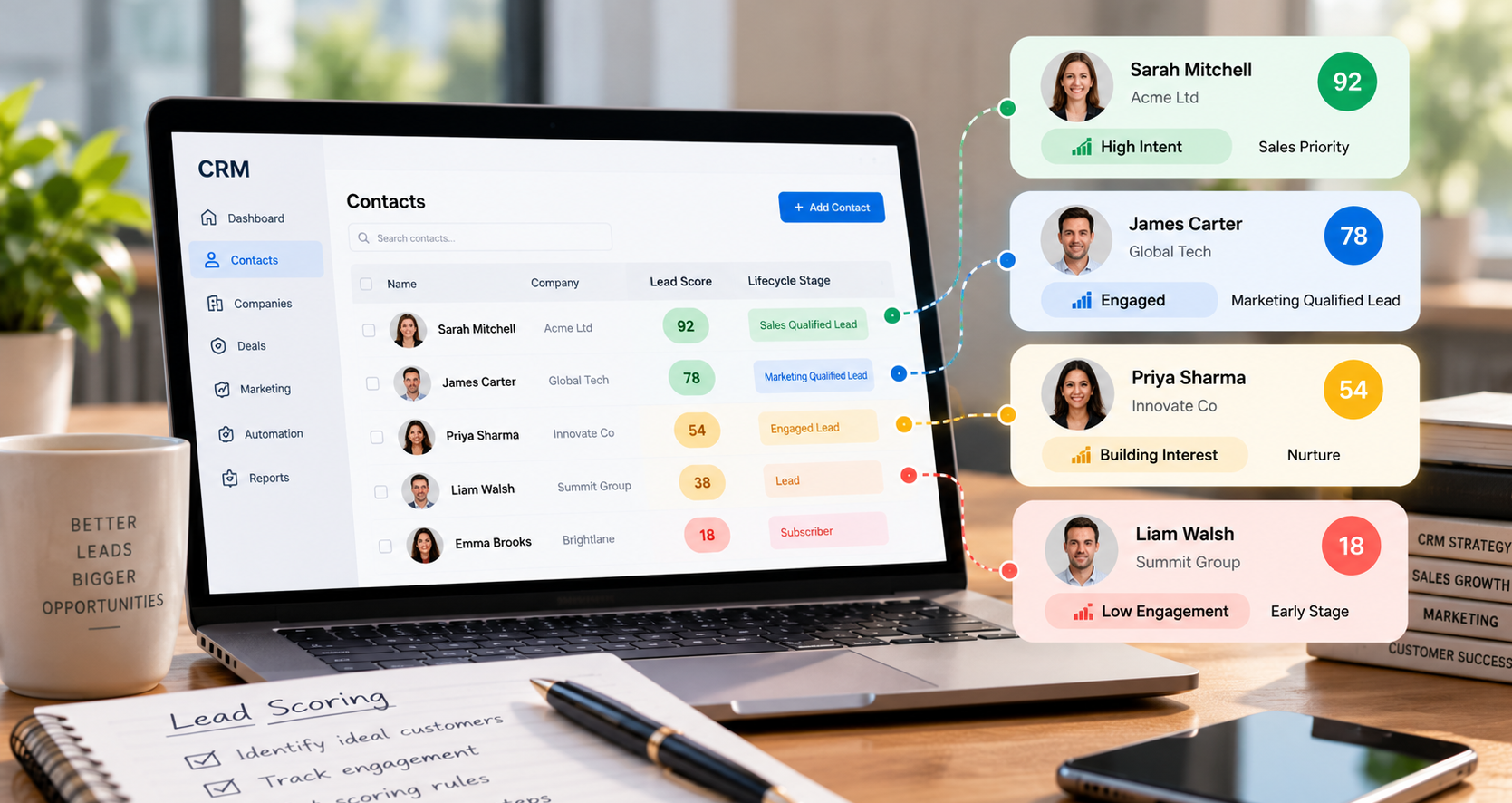
6. Review Lifecycle Stages
Lifecycle stages help businesses understand where contacts sit within the customer journey.
However, they only work when everyone understands what the stages mean.
Make sure terms such as Lead, Marketing Qualified Lead, Sales Qualified Lead, Opportunity and Customer have clear definitions.
Sales and marketing should be working from the same criteria.
7. Audit Your Integrations
Most modern CRM systems connect with several other platforms.
These might include email marketing systems, accounting software, website forms, advertising platforms or customer support tools.
Review the applications connected to your CRM.
Check whether they are still required and whether the data is synchronising correctly.
An old integration can continue adding incorrect information or creating duplicate records long after people have stopped using it.
8. Review CRM Reporting
A dashboard is only useful when the underlying data is accurate.
Look at the reports your organisation currently uses and ask whether they still answer meaningful business questions.
Useful CRM reporting might include:
- Pipeline value
- Conversion rates
- Sales performance
- Lead sources
- Deal velocity
- Win rates
- Forecast revenue
Avoid creating reports simply because the CRM allows you to.
Every important report should support a decision.
9. Review Users and Permissions
Businesses change constantly.
Employees leave, responsibilities change and new team members join.
Review your CRM users regularly and remove accounts that are no longer required.
You should also make sure users have appropriate permissions.
Not everyone needs permission to change workflows, properties, pipelines or system-wide settings.
Clear permission structures help protect the integrity of your CRM.
10. Review CRM Adoption
Finally, speak to the people using the CRM every day.
Analytics can tell you what is happening, but your users can often tell you why.
Ask what feels unnecessarily complicated.
Find out which tasks they are completing manually.
Identify information they struggle to find.
Sometimes the biggest CRM improvement is not another piece of automation. It is simply removing unnecessary complexity.
How Often Should You Audit Your CRM?
There is no single schedule that works for every organisation.
However, businesses should review their CRM regularly rather than waiting until something breaks.
A lighter quarterly review combined with a more comprehensive annual audit can help prevent small problems from becoming major operational issues.
Your CRM should continue evolving with your business.
Final Thoughts
A successful CRM is not something you configure once and forget.
Your customers change, your team changes and your processes change.
Your CRM needs to change with them.
Regular CRM audits help keep your data clean, your workflows useful, your pipeline accurate and your reporting trustworthy.
If your CRM has become difficult to manage or you are unsure whether it is configured effectively, Toyn Consultancy can help review your current setup and identify opportunities for improvement.