A CRM can store thousands of contacts, deals, emails and activities.
But storing information is not the same as understanding it.
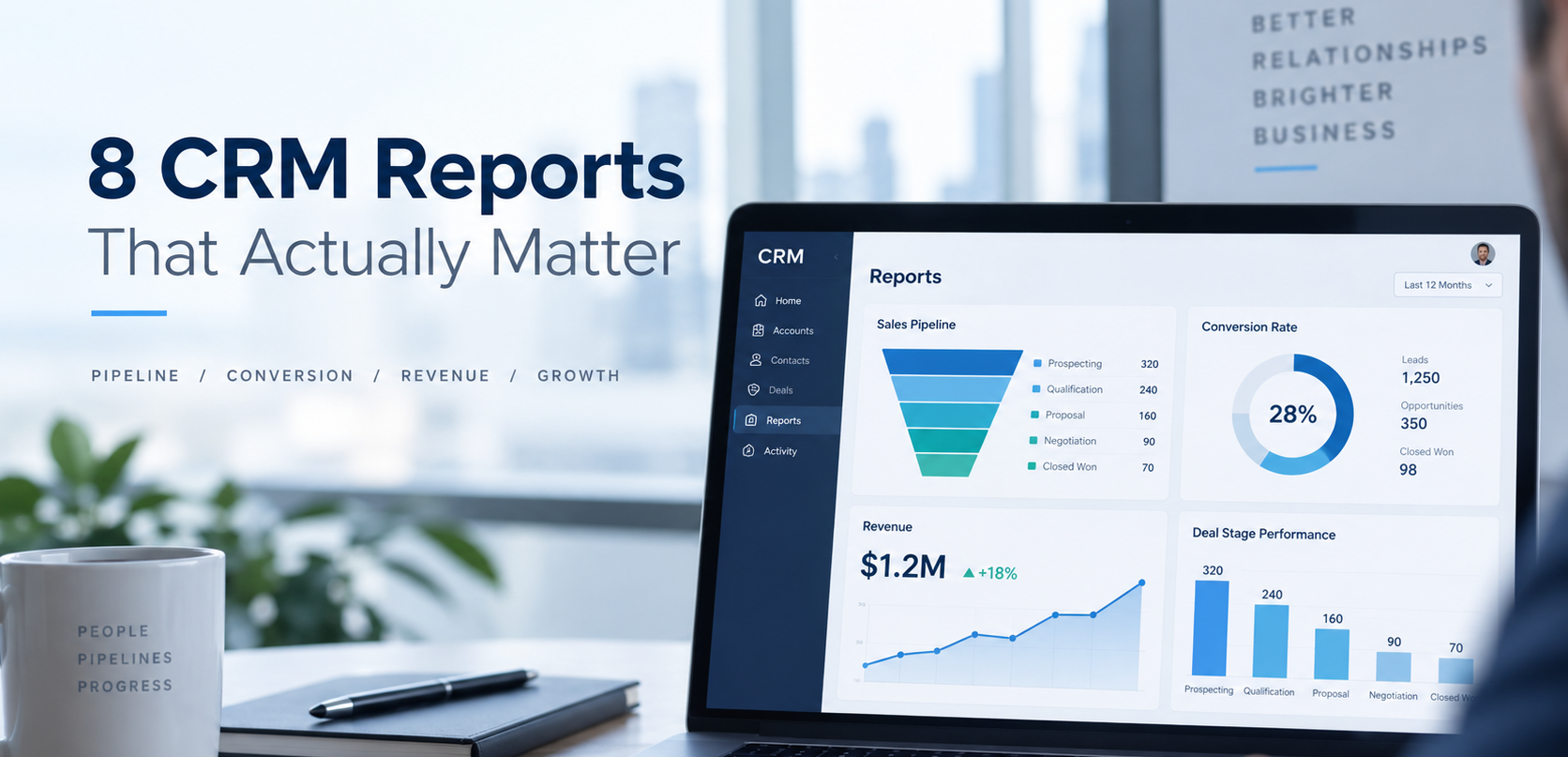
CRM reporting turns everyday sales activity into information that leaders and sales teams can use to make better decisions.
The challenge is deciding what to measure.
It is easy to create dozens of CRM dashboards filled with graphs that nobody regularly uses.
Instead, focus on reports that answer meaningful questions.
Here are eight CRM reports that can provide valuable insight into sales performance.
1. Pipeline by Deal Stage
A pipeline report shows the value and number of opportunities currently sitting within each stage of your sales process.
This gives sales leaders a clear overview of how opportunities are progressing.
Look for stages where unusually large numbers of deals are accumulating.
This may indicate a bottleneck, unclear qualification criteria or a part of the sales process that requires additional attention.
2. Deal Conversion Rate
Knowing how many opportunities enter the pipeline is useful.
Knowing how many become customers is even more useful.
Conversion reporting helps you understand how effectively opportunities progress from one stage to another.
You might measure:
Lead to qualified lead
Qualified lead to opportunity
Opportunity to closed-won
These figures can help identify where your sales process is losing potential customers.
3. Win Rate
Your win rate shows what percentage of completed sales opportunities result in a successful sale.
Tracking this over time can help you understand whether sales effectiveness is improving.
It can also be segmented by salesperson, service, lead source or customer type to reveal useful differences.
However, make sure your deal stages and closed outcomes are being updated consistently before relying on the figures.
4. Average Sales Cycle
How long does it normally take to convert an opportunity into a customer?
CRM reporting can help measure the average amount of time between key sales stages.
A growing sales cycle might indicate delays in follow-up, poor qualification or additional friction during the buying process.
Understanding sales cycle length can also improve forecasting and resource planning.
5. Deals With No Recent Activity
Not every open opportunity is genuinely active.
Sales pipelines often contain old deals that have not been updated for weeks or months.
Create a report showing open deals with no recent sales activity.
This gives representatives an opportunity to re-engage prospects, update the opportunity or close deals that are no longer realistic.
Cleaning these opportunities also improves the quality of forecasting.
6. Lead Source Performance
Understanding where customers come from is an important part of marketing and sales reporting.
Compare opportunities and customers generated through sources such as:
- Organic search
- Paid advertising
- Referrals
- Events
- Email marketing
- Social media
- Direct traffic
- Outbound sales
Do not focus entirely on the number of leads.
A channel generating fewer leads may still create more revenue if those leads convert at a higher rate.
7. Sales Activity
CRM activity reporting can help managers understand what actions are taking place across the sales team.
This might include:
- Calls
- Meetings
- Emails
- Tasks
- Follow-ups
Activity metrics should be used carefully.
More activity does not automatically mean better sales performance.
Instead, combine activity information with outcomes to understand which actions contribute to progress.
8. Sales Forecast
Forecasting reports help organisations estimate likely future revenue based on active opportunities.
An effective forecast relies heavily on good CRM discipline.
Deal amounts must be accurate.
Close dates should be realistic.
Deal stages need to reflect genuine buyer progress.
If those foundations are unreliable, the forecast will also be unreliable.
Build Reports Around Decisions
Before adding another report to your CRM dashboard, ask one simple question:
What decision will this report help us make?
For example:
A stale deal report helps salespeople decide which opportunities need attention.
A lead-source report helps marketing decide where to invest.
A pipeline-stage report helps managers identify bottlenecks.
A forecast report helps leadership plan future resources.
This approach keeps reporting focused on business outcomes rather than simply displaying data.
Reporting Starts With Good CRM Data
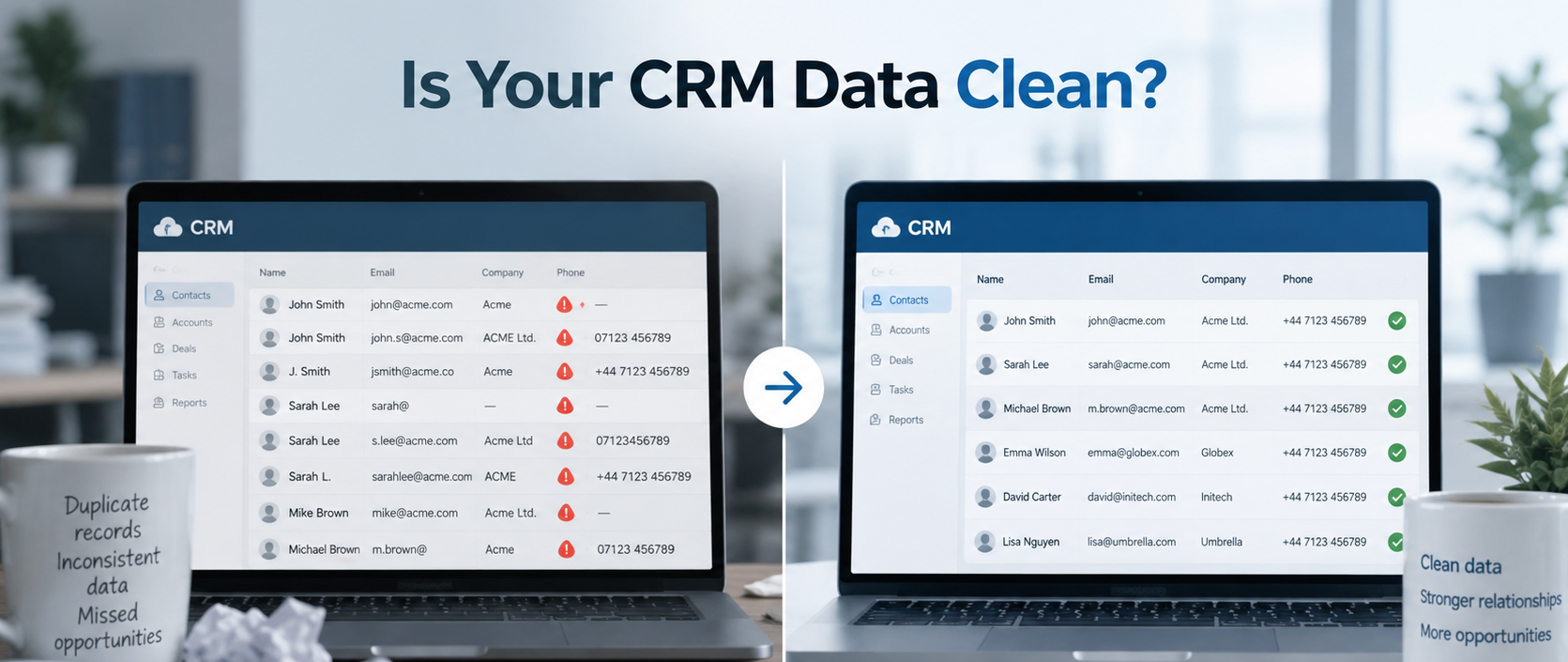
Even beautifully designed dashboards can produce misleading information when the underlying CRM is poorly maintained.
Accurate CRM reporting depends on:
- Consistent deal stages
- Clean data
- Clear lifecycle definitions
- Updated opportunity values
- Accurate ownership
- Reliable lead-source information
This is why CRM reporting should be considered part of a wider CRM strategy rather than an isolated feature.
Final Thoughts
CRM reporting should help your organisation understand what is happening, why it is happening and what needs attention next.
Start with a small number of reports connected to important business decisions.
Make sure your CRM data is reliable.
Then refine your reporting as the organisation grows.
The goal is not to create more dashboards.
The goal is to create better visibility.
If your existing CRM reports do not provide the insight your team needs, Toyn Consultancy can help review your CRM data, reporting structure and dashboards to create a clearer picture of sales and customer performance.